How can I order something from the gallery? What are the product prices?
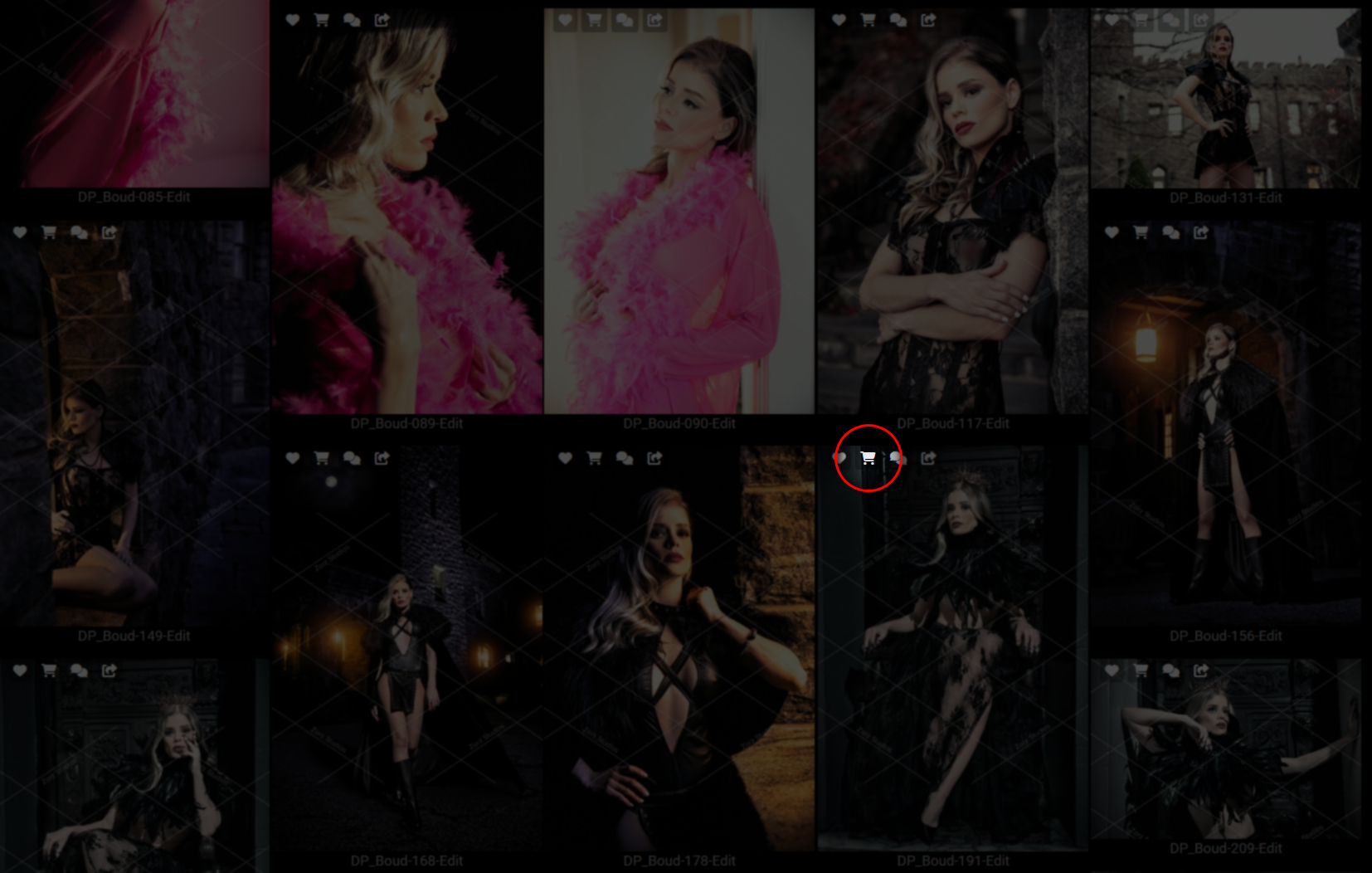
1. All images have icons in their top left corner. Click/tap the Shopping Cart icon.
2. All the main products and services will be displayed, grouped by categories. All prices will be listed. We can also take care of any special items that are not listed, just contact us with the custom request.
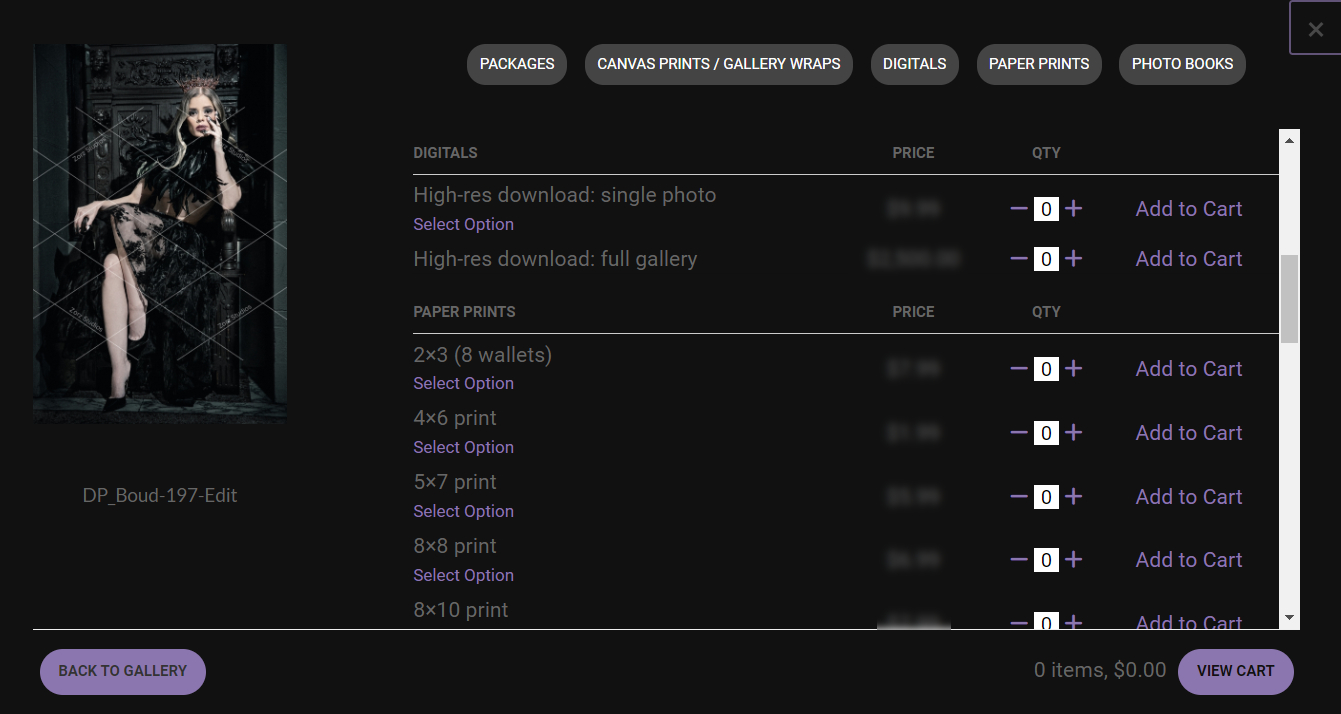
3. CLick/tap "Select Option" (1) to see all options for a given product/service, like paper type, print size, retouching level, etc. (2-3)
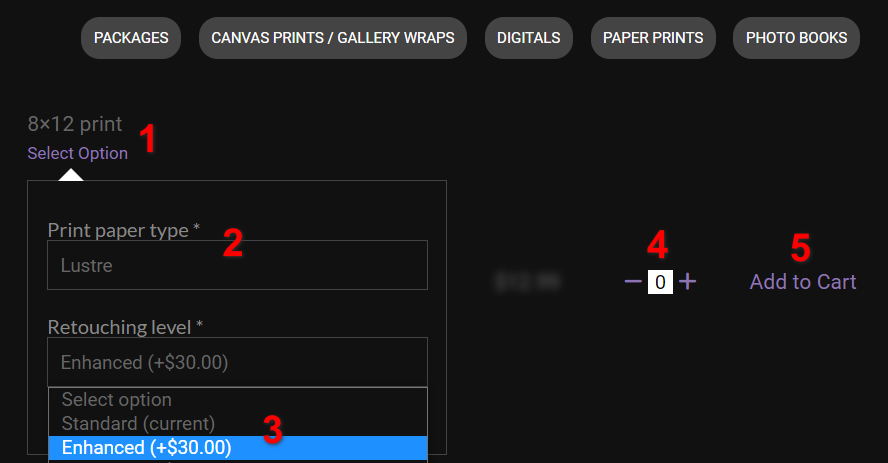
4. Select all options (2-3), then quantity (4), and finally, "Add to Cart" (5). When finished with all products, proceed to your cart and checkout securely. You will receive your order confirmation via email. We'll keep you posted on the progress!